OPEN COUNTER / ENGINEERING INTAKE

Bring the system-shaped question to the window.

Dafirexo is a practical counter for teams sorting through a technical handoff, a constrained build question, or an unfinished object that needs a clear next conversation.

01 Bring context02 Name constraints03 Set the next handoff
COUNTER TICKETNO. DF–01

SYSTEM-SHAPED QUESTION

“What must be made clear before this object changes hands?”

PLACE AT WINDOW
COUNTER HOURSMon–Fri / 09:00–17:00
WORK MATERIALSnotes, sketches, cables, questions
AT THE WINDOW[email protected]

COUNTER TOOL / 01

Run the handoff through a small tester.

Move the three controls. The receipt changes to reflect the kind of conversation your material may need next.

fragmentmappedready
hiddenpartialnamed
explorealignplace

A prompt, not a score. Adjust as you think.

DAFIREXO / DIAGNOSTICDF-122

SUGGESTED NEXT COUNTER MOVE

Make the object visible.

Put down the current artifact, image, sketch, or description. A shared surface gives the question something concrete to gather around.

  • Show the current form
  • Mark an open edge
  • Choose a person to receive it
INPUT STATE: MAPPED / PARTIAL / ALIGNKEEP THIS RECEIPT
Notebook, cable, coins and components arranged on a work surface
CRATE AOPEN HERE

UNPACK THE QUESTION / 02

Open the crate before you open the plan.

A useful engineering exchange has more than a desired output inside it. Set the pieces on the counter in plain view and let them be handled separately.

INPUTSWhat exists now? Files, objects, decisions, observations.
CONSTRAINTSWhat space, time, material, interface, or rule is already real?
QUESTIONSWhat needs an answer before another person can act?

THE CONNECTOR RAIL / 03

Four places a technical question can catch.

A

01 / CONTEXT

What surrounds it?

Use the environment, people, and existing routines as part of the object.

B

02 / INTERFACE

Where does it meet?

Name the edges where another tool, material, or person must connect.

C

03 / MATERIAL

What carries it?

Identify the physical, digital, or procedural material doing the work.

D

04 / CUSTODY

Who holds it next?

Decide whose hands need the next version and what they need with it.

TEST BENCH / 04

Place the live part beside the working record.

At the counter, physical detail and written detail travel together. A cable can be tagged. A screen can be annotated. A decision can have an owner.

See the note tray
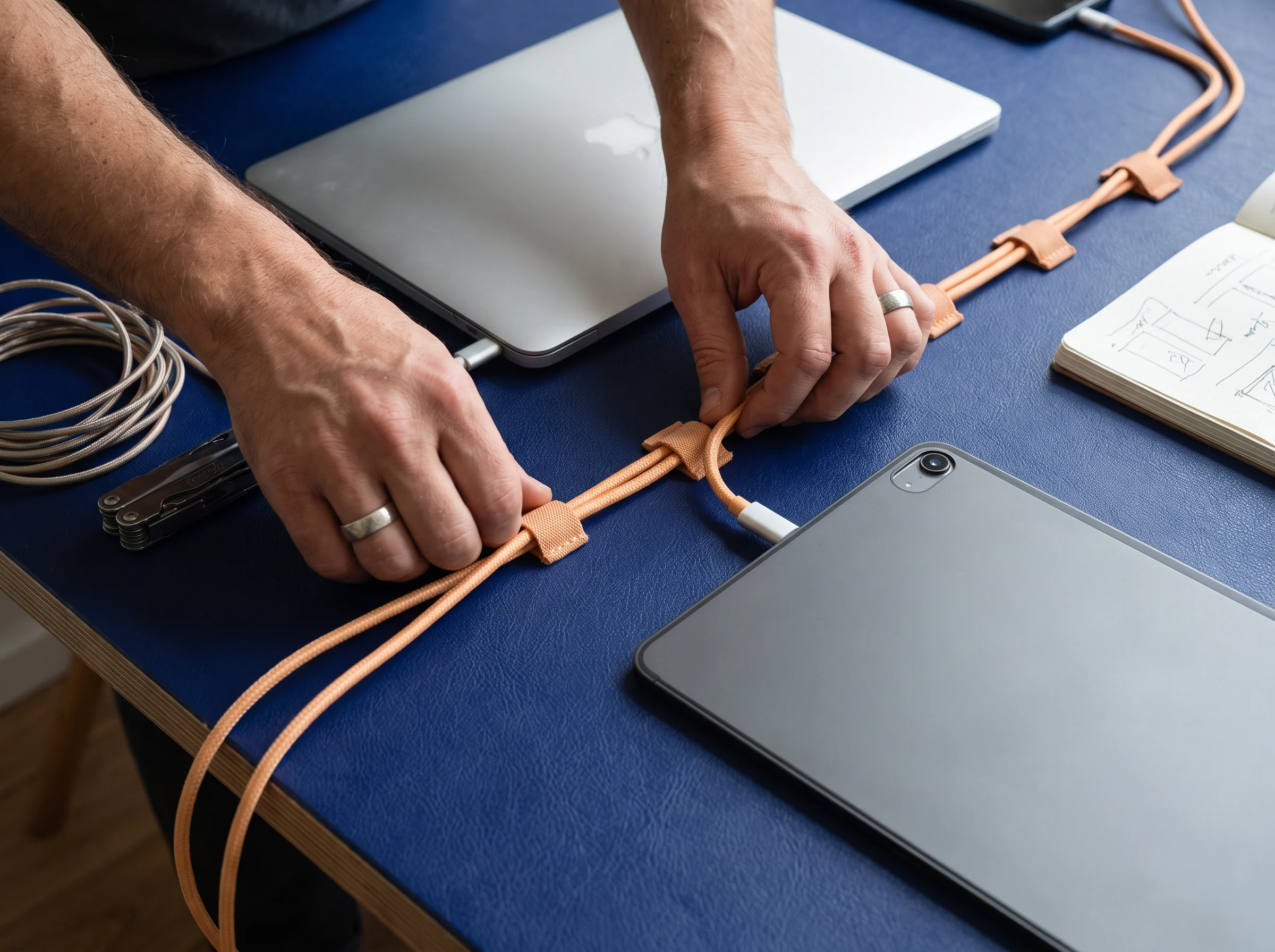
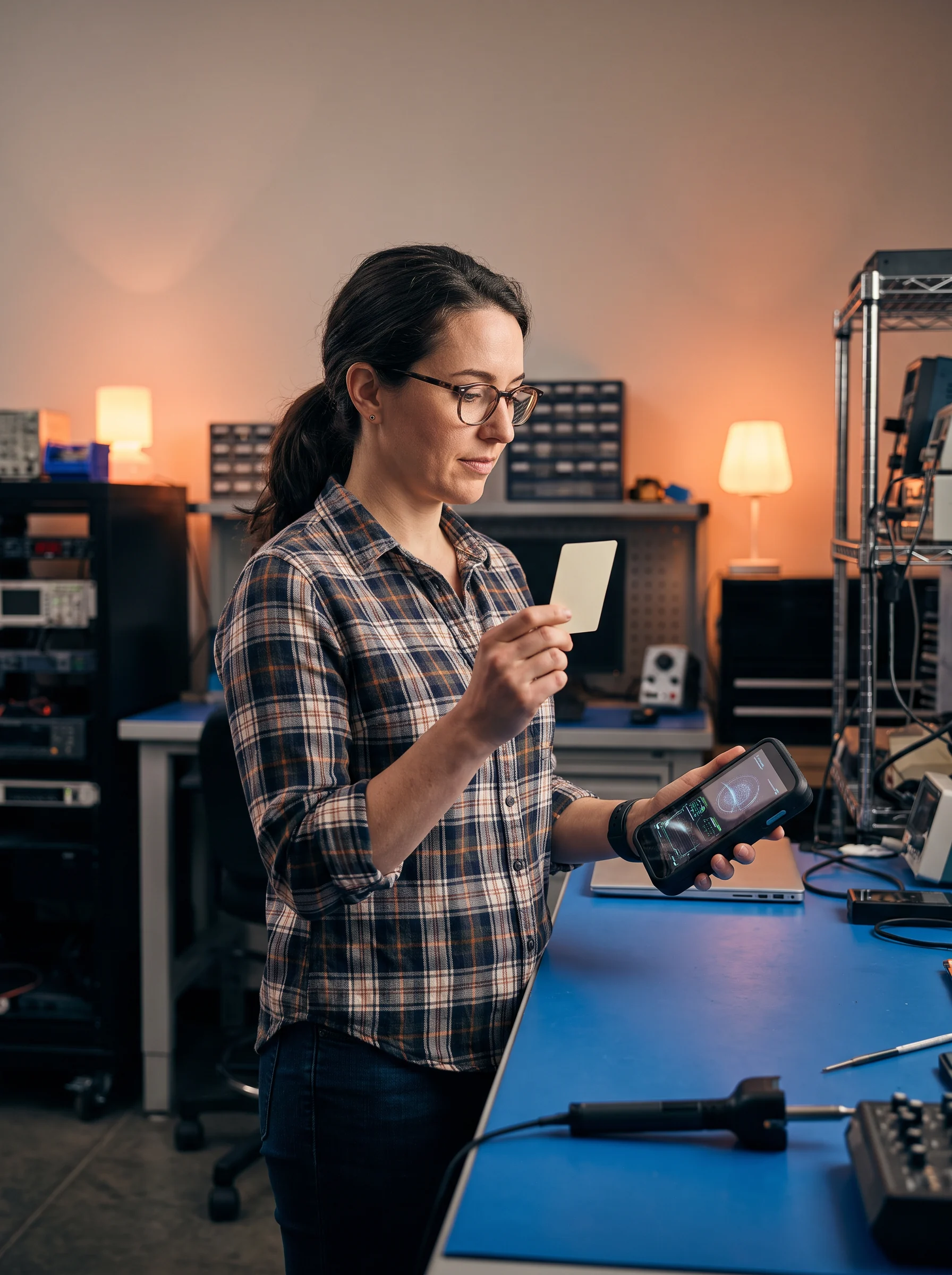
Hands arranging cable beside a laptop on a blue desk
LIVE PART / CABLE ROUTE
Engineer holding a tool at a bench
WORKING RECORD

PASS THE OBJECT / 05

A handoff is a sequence of clear placements.

The goal is not a theatrical reveal. It is a working object that can arrive, be read, be tested, and be returned with a useful question.

01

COUNTER MOVE

Set it down

Place the current thing where it can be pointed to.
02

COUNTER MOVE

Tag the edge

Mark what must not be assumed by the next pair of hands.
03

COUNTER MOVE

Pass it forward

State who receives it, why, and what should come back.

TOOL SHELF / 06

Tools belong to the question in front of you.

Not a catalog. A shelf of familiar counter aids, chosen for the shape of the work.
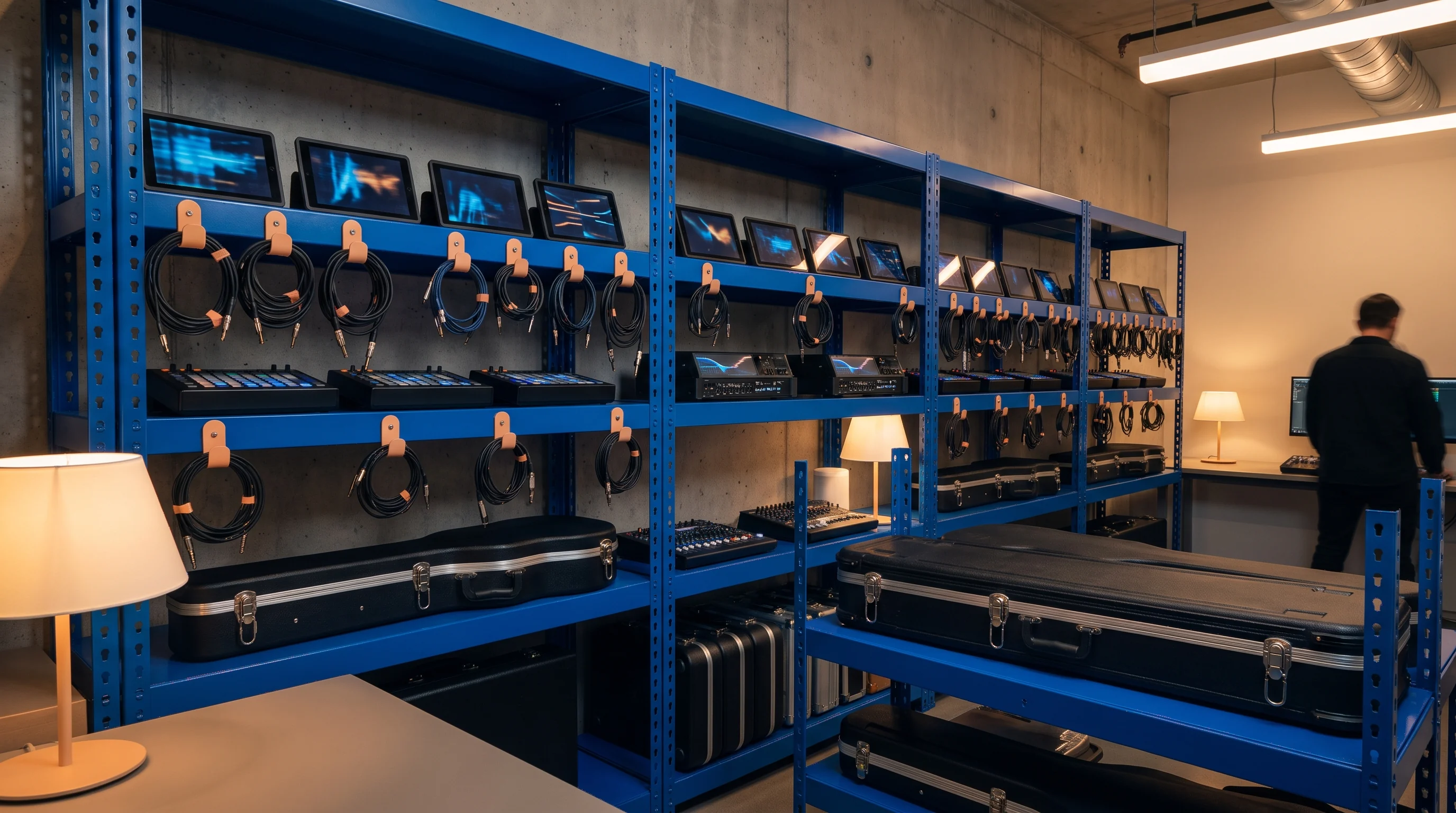
Organized shelving of engineering components
WHEN PARTS NEED NAMING

Component bins

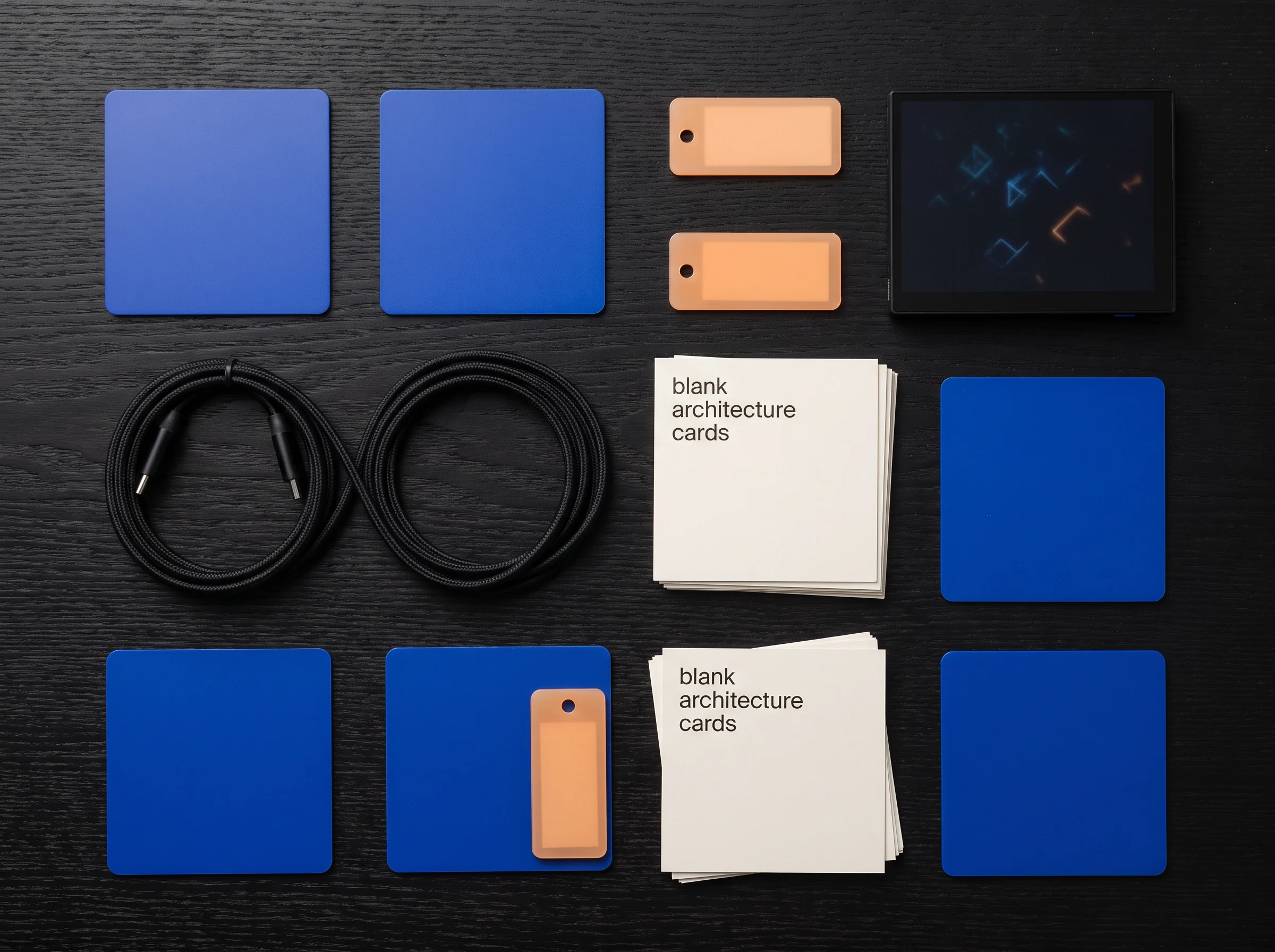
Cables, cards and blue materials laid out in a flat work arrangement
WHEN RELATIONSHIPS NEED SHOWING

Layout cards

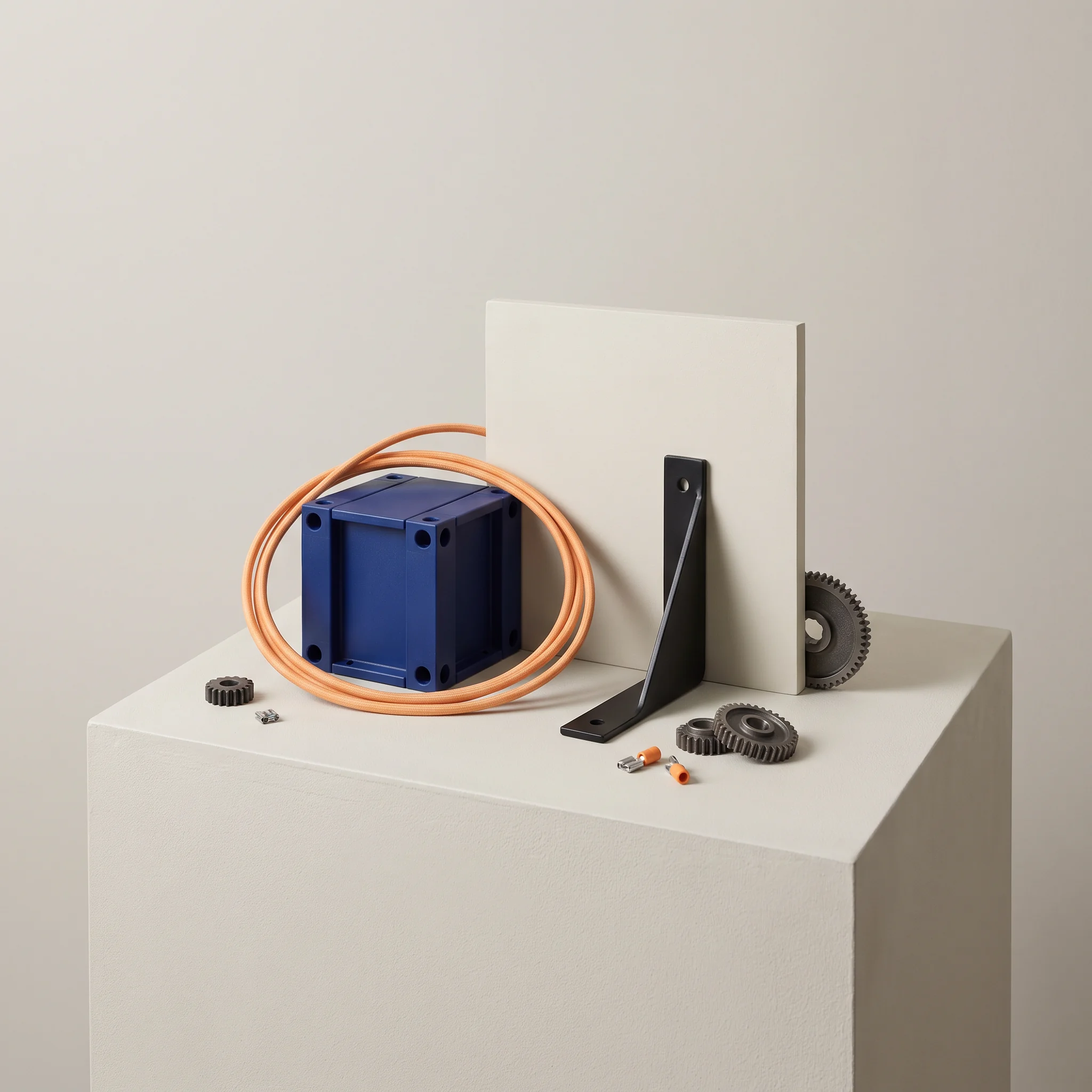
A small blue device and coiled orange cable on a pedestal
WHEN AN OBJECT NEEDS A PLACE

Bench riser

PAPER TRAY / 07

What a useful first note might carry.

Write in ordinary language. A first note does not need to sound final; it needs to give the next person a surface to begin from.

Person working at a component-covered table
INBOX / FIRST NOTE
  1. One sentence about the object.What it is, where it is, or what it currently does.
  2. The material already in hand.Links, images, sketches, parts, or a description of the current state.
  3. The constraint that changes the question.A boundary, dependency, deadline, audience, space, or standard worth knowing.
  4. The question you want held.Not every answer—just the next question that will let the work move.
KEEP / HUMAN-READABLE

CLOSING SIGNAL / 08

Leave a signal the next person can read.

Close the counter exchange by making the next arrival easy to recognize.

Three people arranging materials across a blue worktable
ALIGN THE TABLE
Two people reviewing blueprints and materials
READ THE MARKS
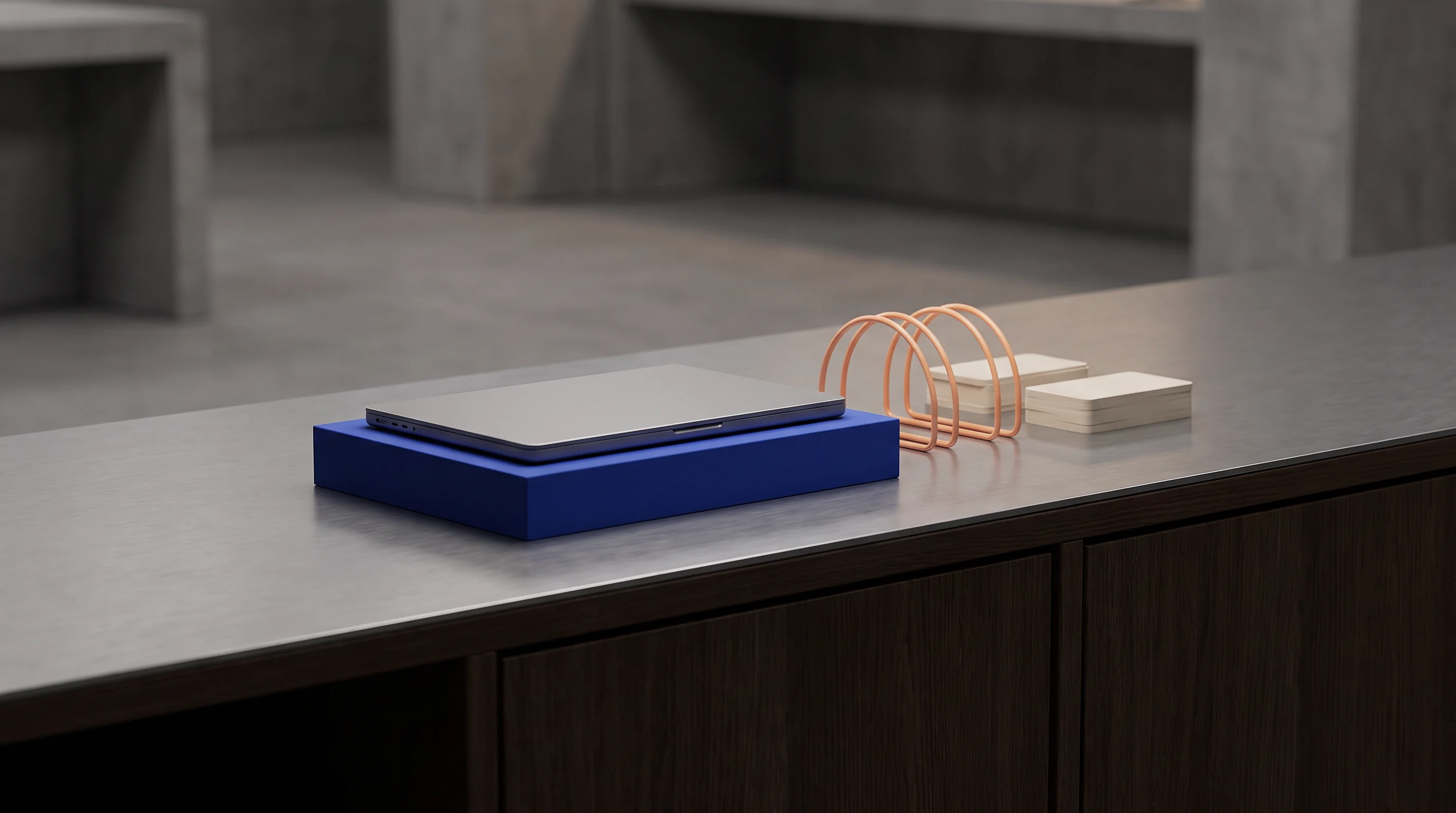
A blue tray with cable rests on a black metal work counter
RETURN THE OBJECT

COUNTER QUESTIONS / 09

A few things people ask at the window.

These are working answers, not fine print. If your question has a different shape, add it to a first note.

Bring the current object or an honest description of it, along with the conditions around it. That can include a sketch, an image, a link, a material list, an observed problem, or a decision already made. Early conversations become more useful when uncertainty is named directly rather than hidden behind a polished summary.

No. A complete brief is not the entry requirement for a useful exchange. A first note can be a partial account of what exists, what is difficult to determine, and what cannot easily change. It helps to distinguish facts from guesses, but it is entirely reasonable for the note itself to carry an unresolved question.

Describe a constraint as a condition that is already present, then explain what it affects. For example, identify an existing interface, a physical space, a required format, a known dependency, or a decision that must be respected. That leaves room to examine alternatives without pretending that the boundary does not exist.

A handoff is easier to receive when the object, its current status, and the desired next action are each visible. Say what has been checked, what remains open, and who can clarify background details. Include source material in a form that can be accessed, and name the question that should guide the recipient’s first look.

OPEN A TICKET / 10

Put the first note on the counter.

Use this browser-only note card to organize what you want to say. It does not send information anywhere; after review, it opens your email app with the note addressed to the counter.